How to View Form Data?
This document will guide you on how to view and synchronize customer form submission records in the MsgBox backend.
Steps
-
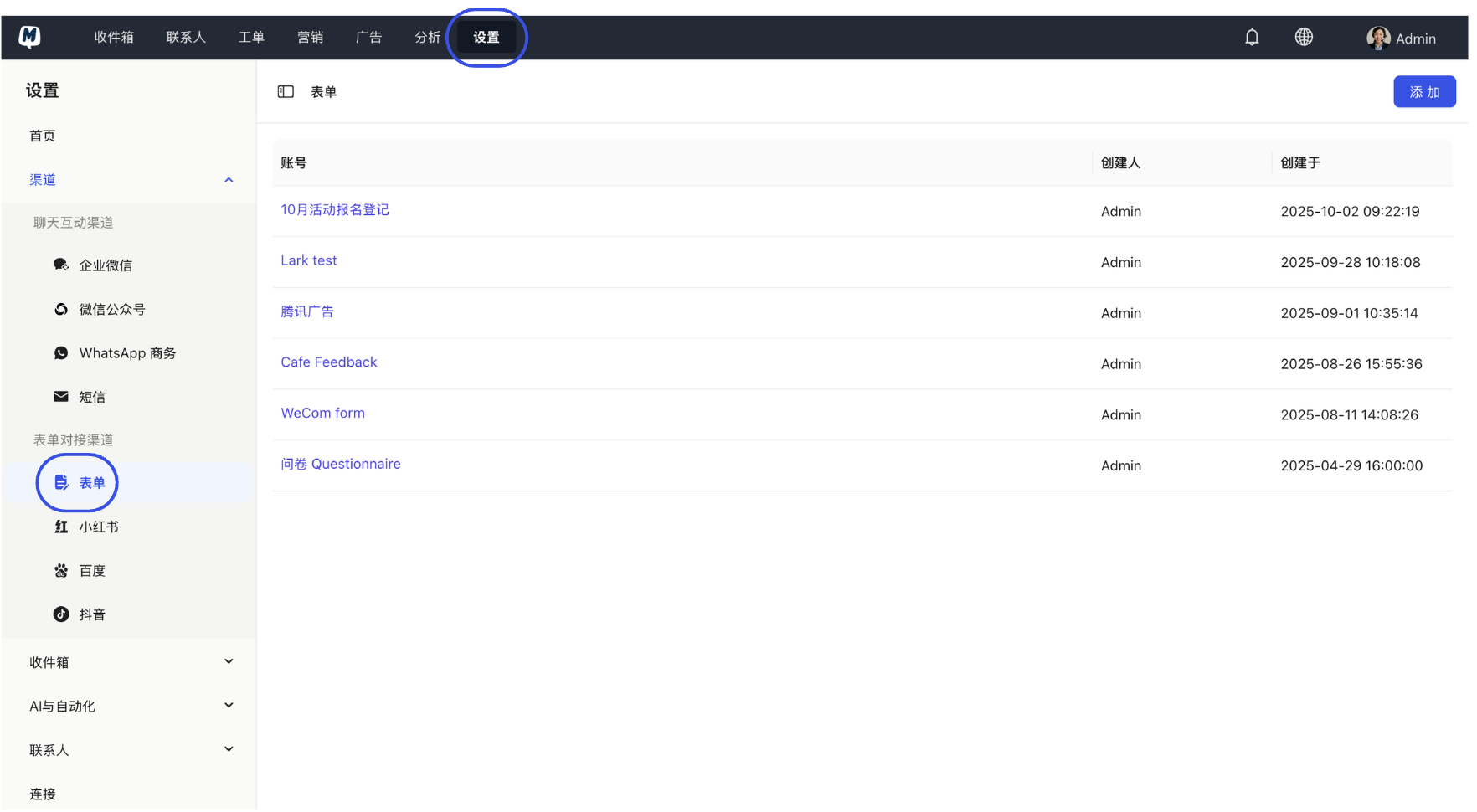
Locate Form Management Enter the backend and click Settings > Channels > Forms.
-
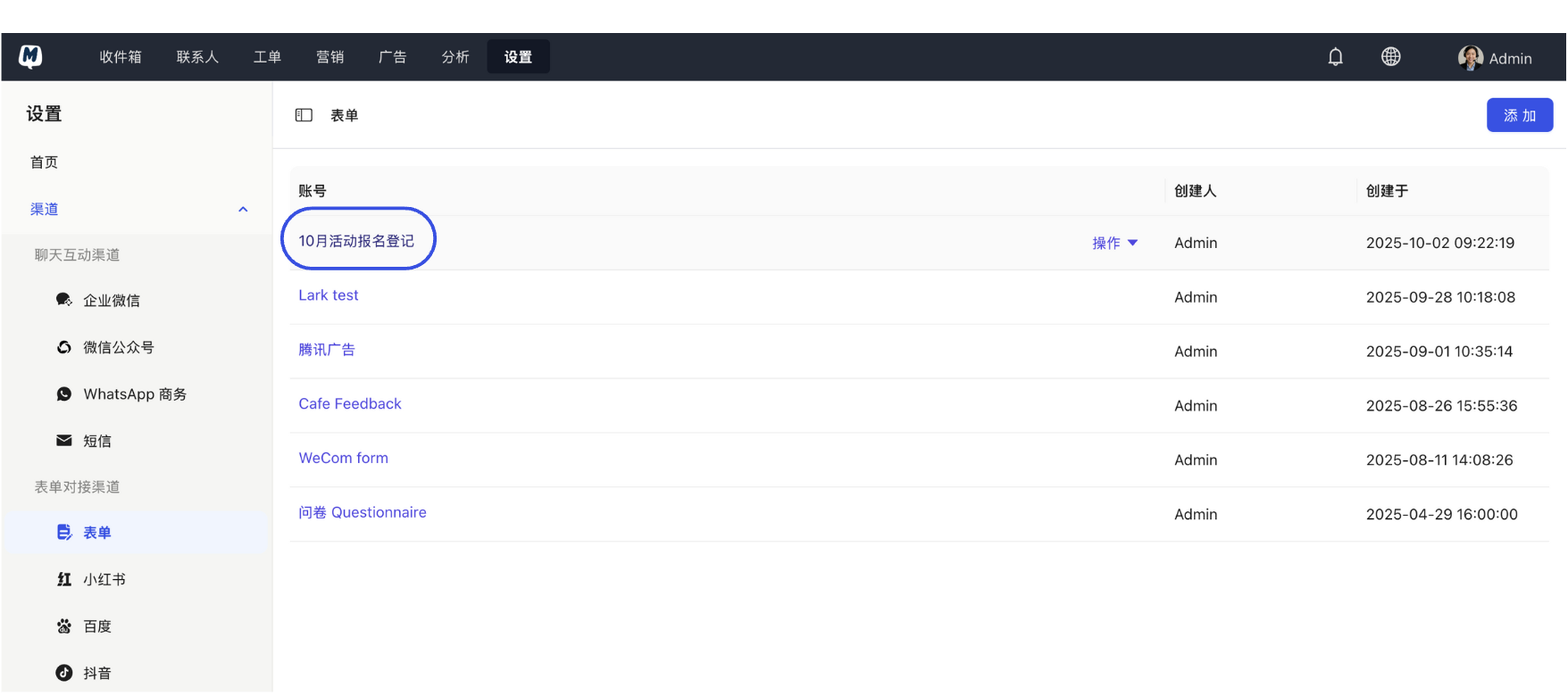
Select Target Form In the form list, click on the specific form item you need to check.
-
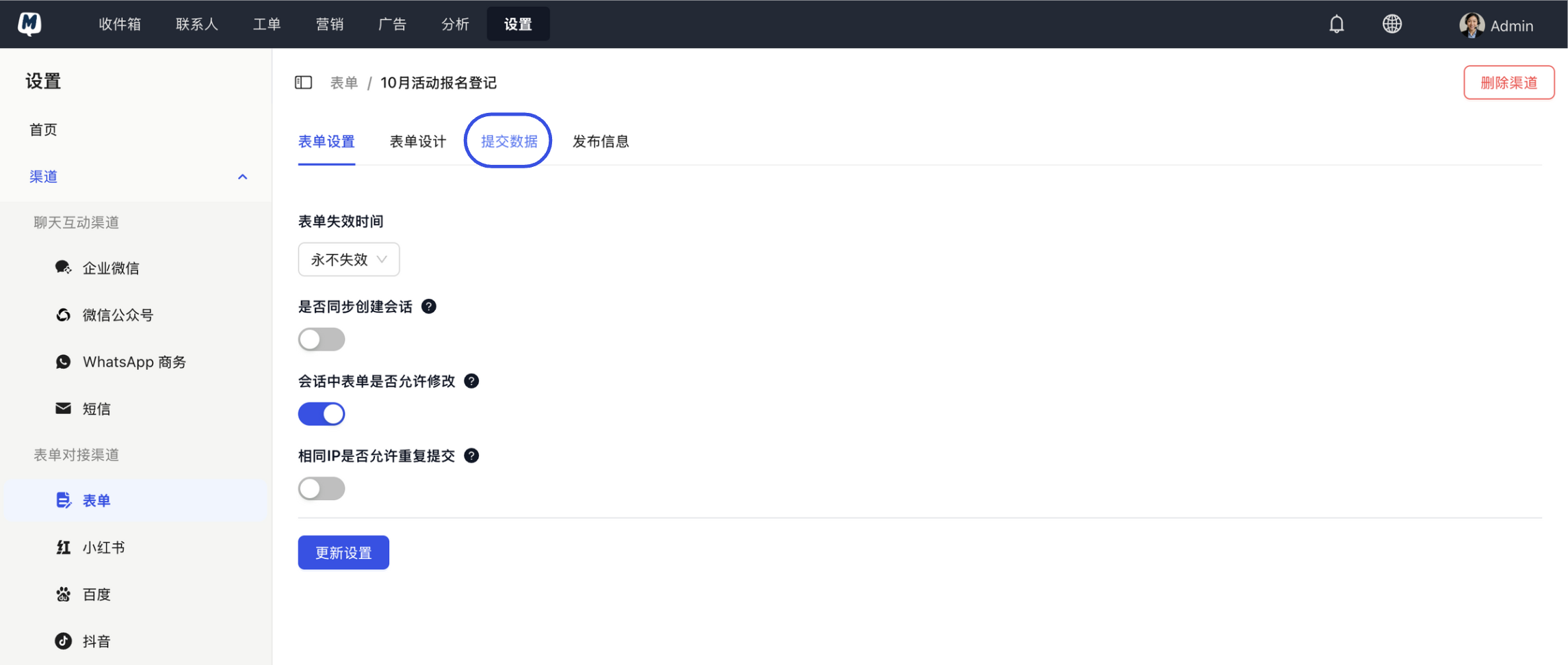
Enter Data View On the form details page, click the "Submission Data" tab at the top.
-
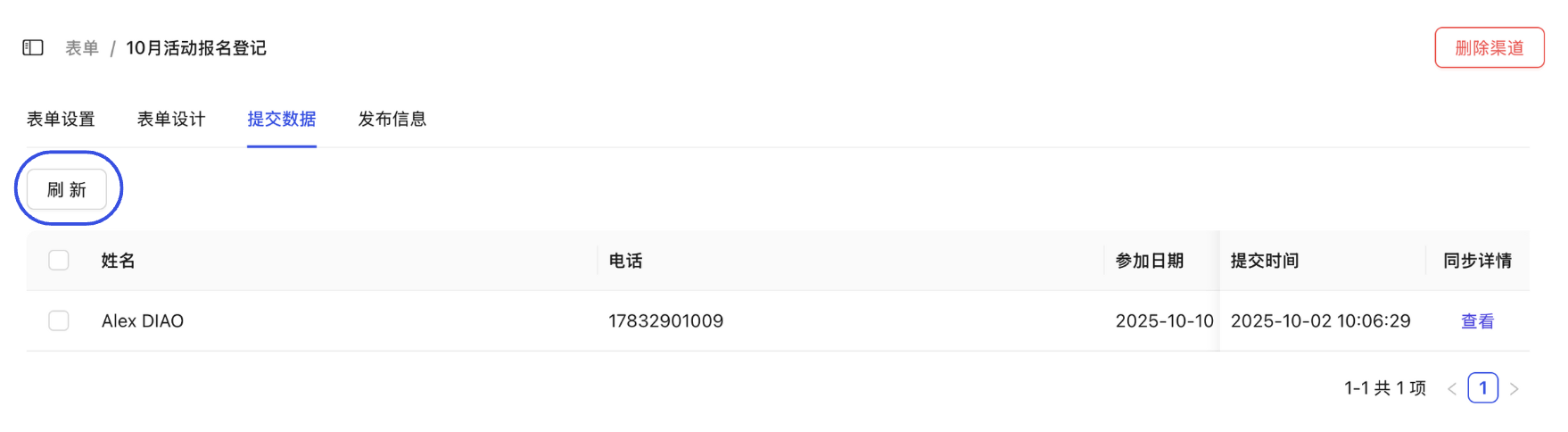
Refresh and View Click the "Refresh" button to retrieve the latest submission records. The list below will display the detailed field information submitted by contacts.