How to View Baidu Form Data?
When your Baidu Marketing ads (Search or Feed) generate leads, MsgBox captures these form submission records in real-time via API. You can follow the steps below to view lead details and perform follow-ups.
Steps
-
Enter Baidu Channel Settings Go to Settings > Channels > Baidu.
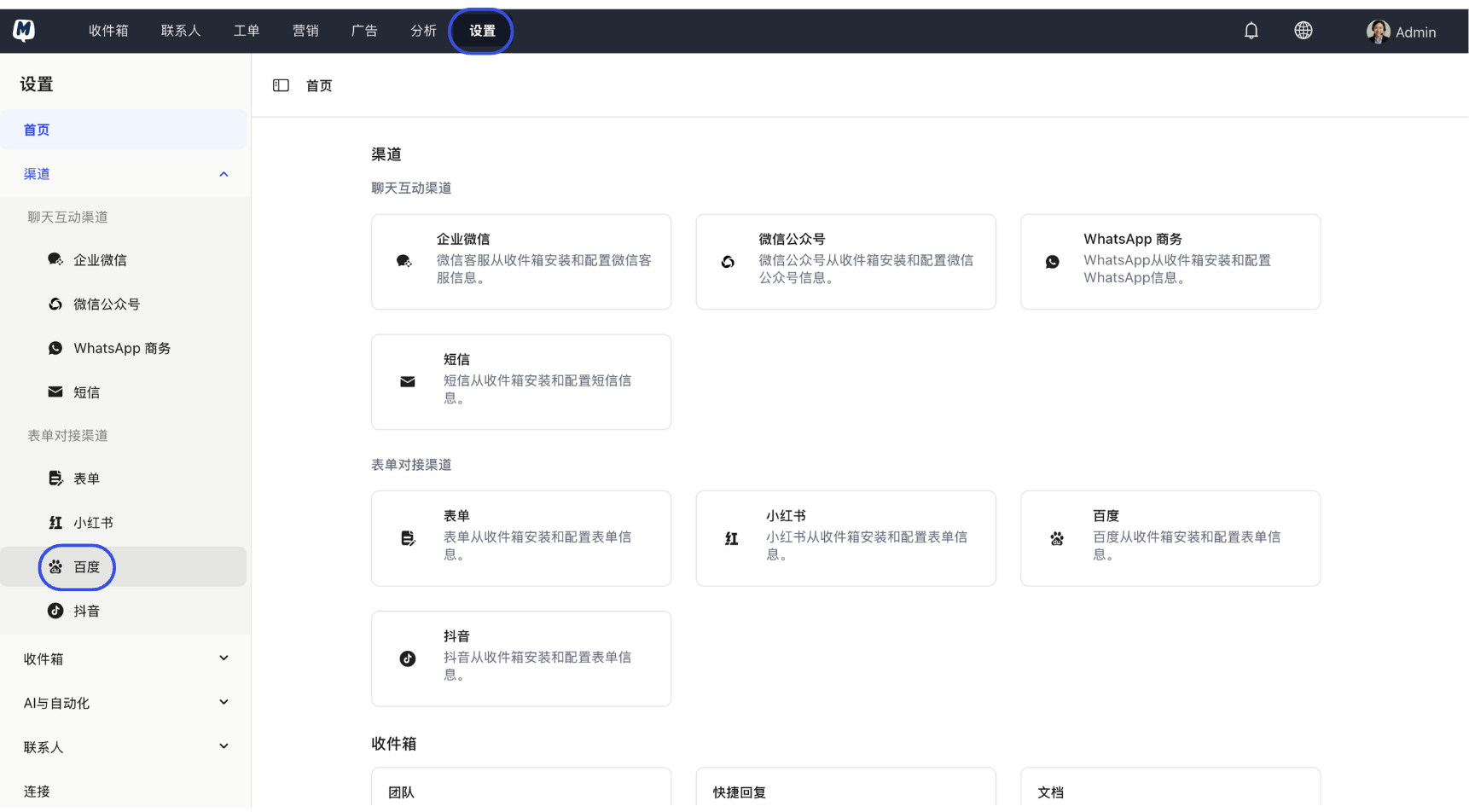
-
Select Target Form In the form list, find the form entry you are currently promoting and click to enter.

-
Enter Data View Click the "Submission Data" tab at the top of the page.
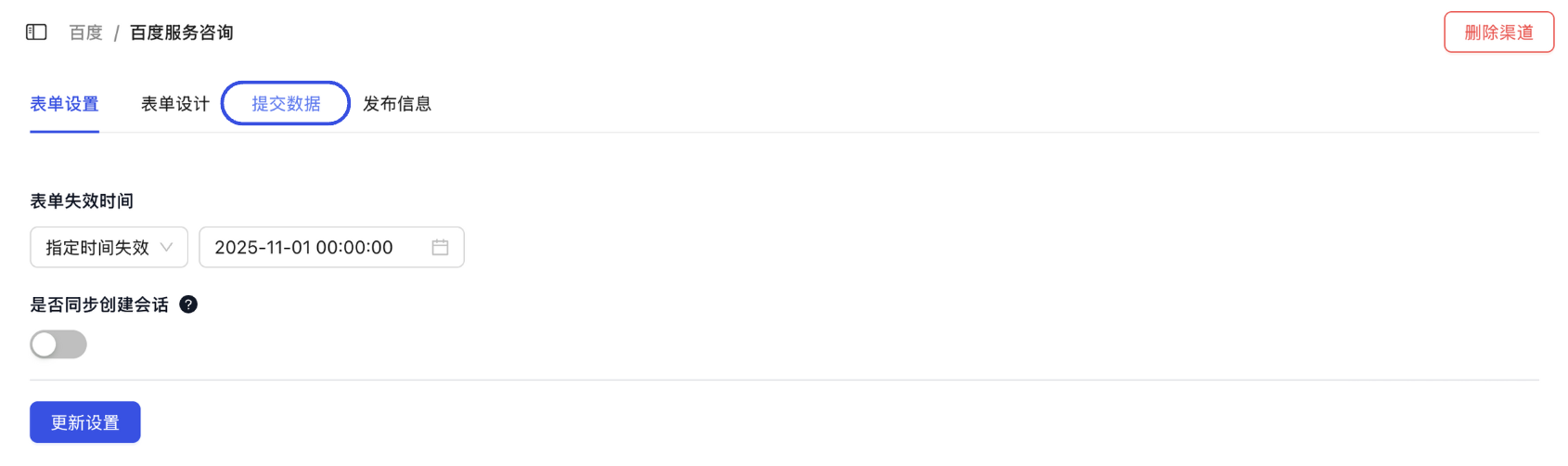
-
Refresh and View Click the "Refresh" button in the top right corner. The system will synchronize and display the latest lead information, including customer name, phone number, submission time, and the corresponding ad source.
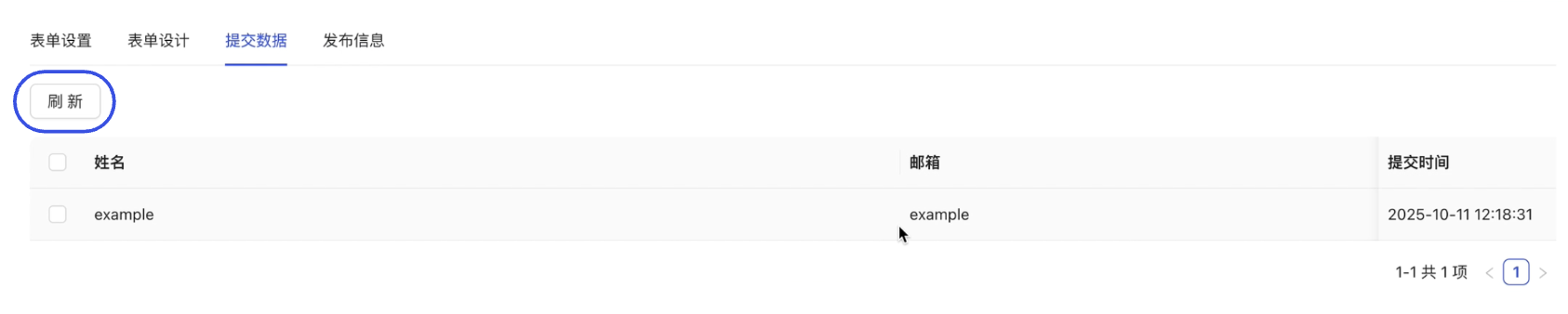
Efficiency Tips
In the data list, you can view the Sync Status for each record.
- If it shows "Synced", it means the lead has automatically created a contact profile based on your Contact Sync Settings.
- If the sync fails, please click "View Details" to troubleshoot field mapping issues.
If you need to import leads into other reporting systems, you can click the "Export" button on the page to download all form data as a CSV file with one click.
Related Guides: